GDTF Builder Release January 2026
Posted January 29, 2026 ‐ 2 min read ‐ Categories: GDTF, GDTF Builder
New update of the GDTF Builder has been released with further enhancements to the 2D symbol, Control/DMX Improvements and more.

Photo by Aditya Chinchure on Unsplash
GDTF Builder, the editor to create and edit GDTF files, has received a new update of features, enhancements and fixes and is now in version v1.9.12-2939722.
2D Symbols Enhancements
New separate views for the product image and for the 2D symbol, are allowing better visual overview of the thumbnail images included in the GDTF.

There are new toggles to show/hide Movement circle and Pigtail, if present in the SVG file:
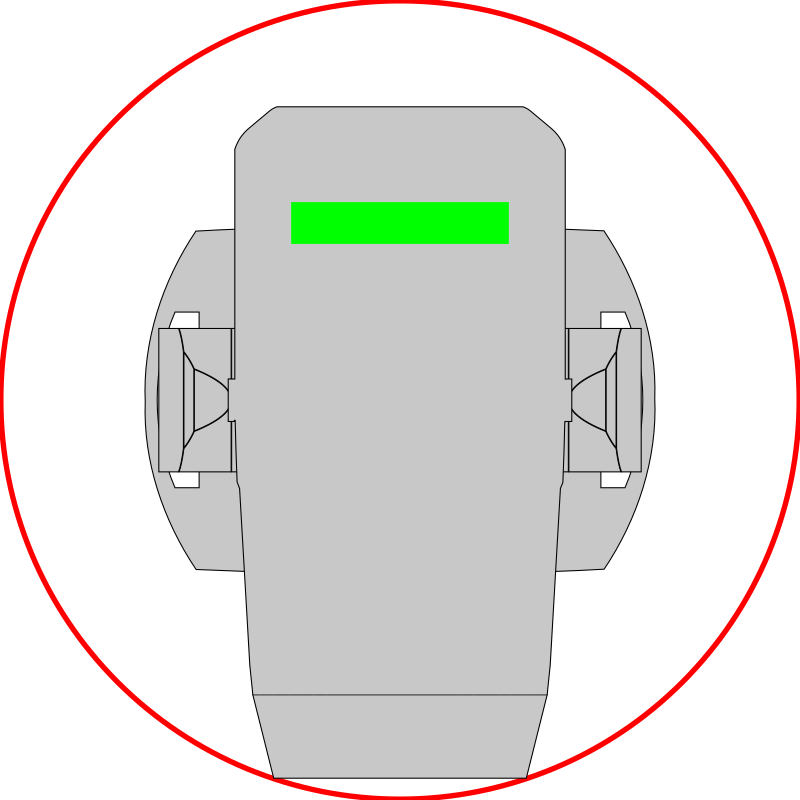
The definition of the Movement circle and Pigtail are as per this specification:
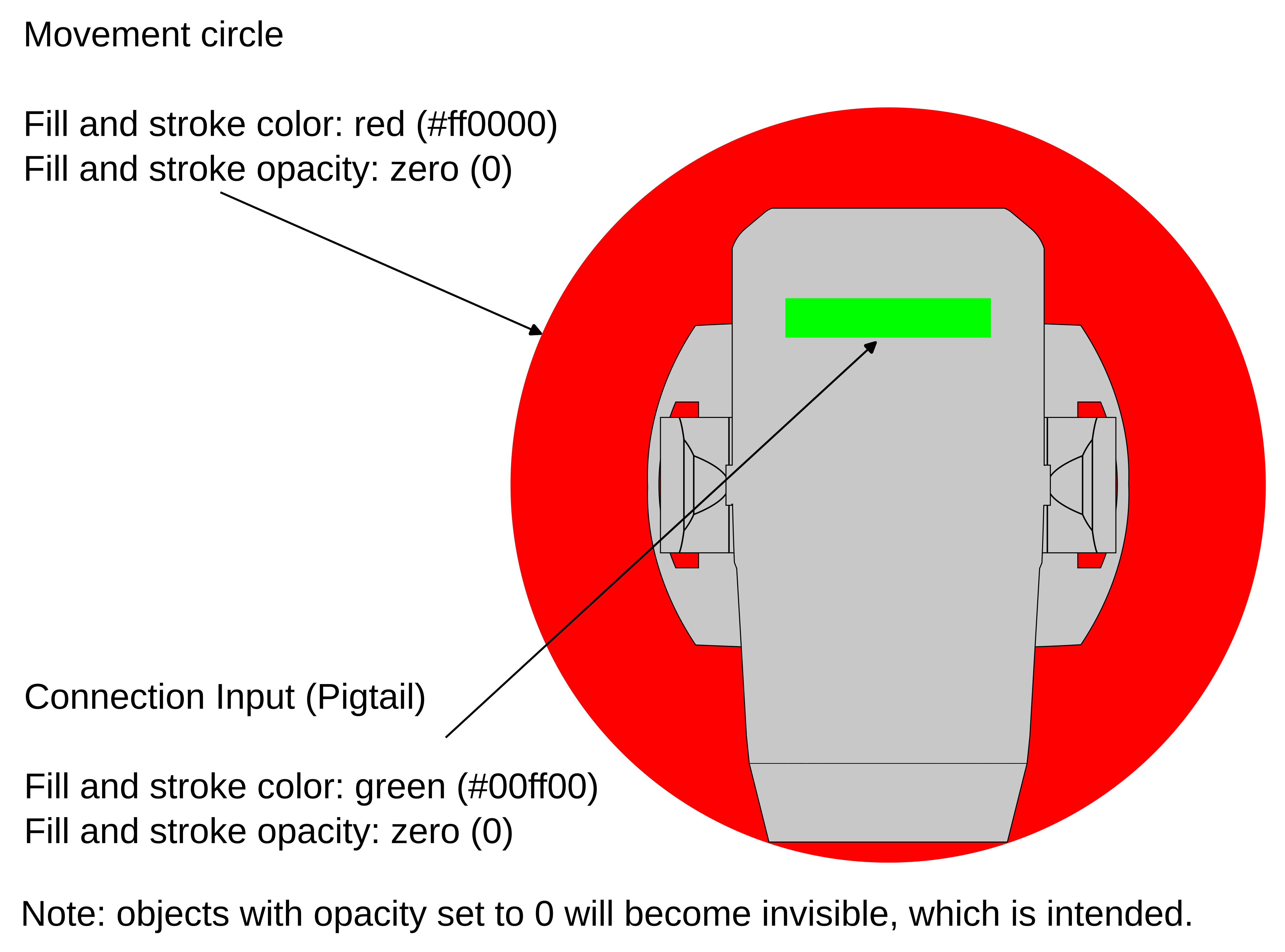
By the specified settings (opacity at 0), these extra features (Movement circle and Pigtail) are invisible, the magic color is allowing applications to find these elements and to provide toggles to show/hide them based on user preferences.
Geometry Overwrite Improvement
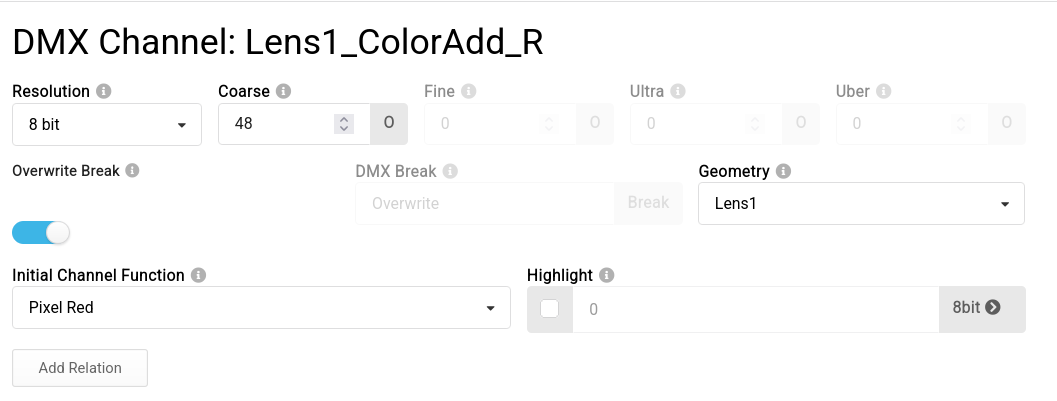
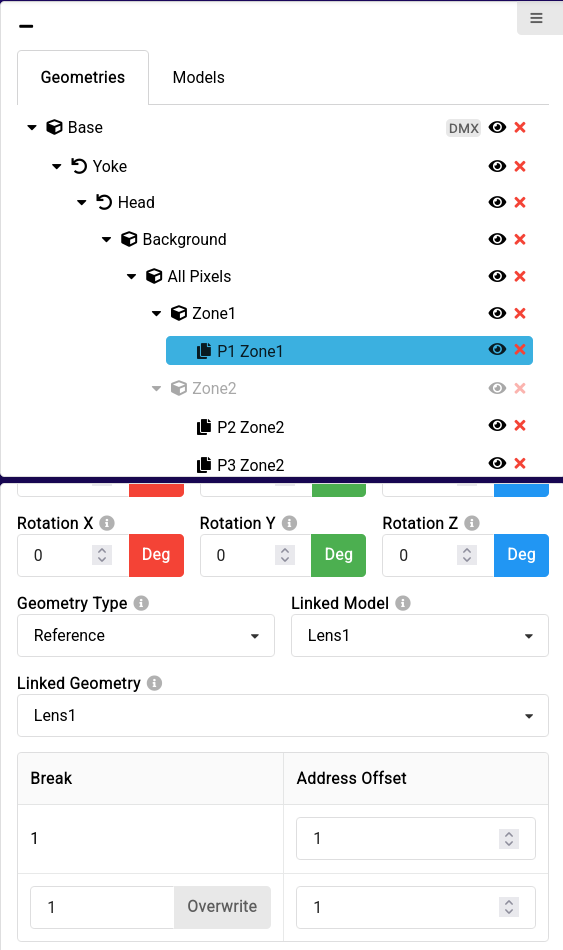
The Builder is now correctly opening GDTF files with Break overwrite, this has also been clarified in the GDTF Spec.
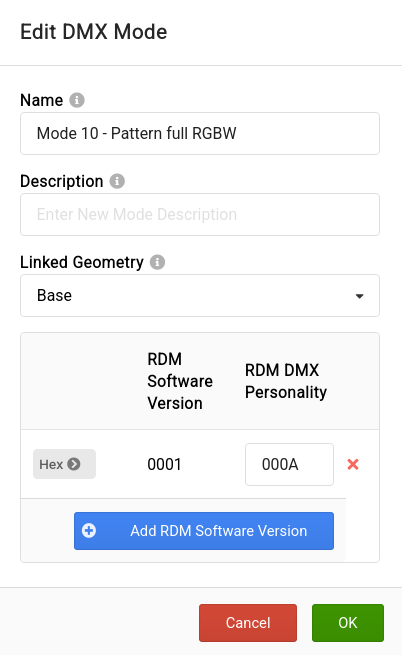
RDM Personality handling improved
The builder now ensures that RDM data is correctly handled during DMX Modes removal, while checking for correct values of RDM data.
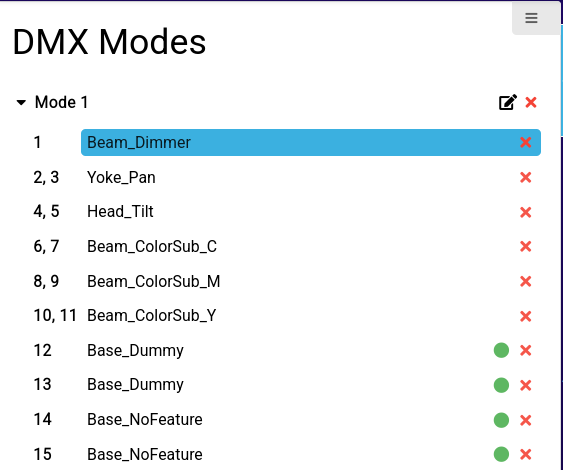
Ensure Multiple Reserved Channels
Multiple channels linked to a single geometry can have the NoFeature or Dummy attribute attached.
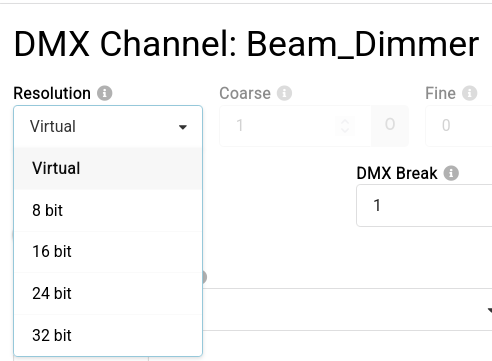
Virtual Channel Resolution:
Virtual Channels are now by default 16bit, as per clarification in the GDTF Specification.
Bugfixes
- Ensure that custom defined attributes are not deleted during operations
- Fix value formatting in data of Filters/Emitters
- Builder user interface alignment and sizing improved, various UI glitches fixed
- Improved memory performance
- Improved logging
- Improved session handling on the server