GDTF Builder Release August 2026
Posted August 18, 2026 ‐ 3 min read ‐ Categories: GDTF, GDTF Builder
This GDTF Builder update adds keyboard shortcuts, improved file management, additional RDM validation and several bug fixes.
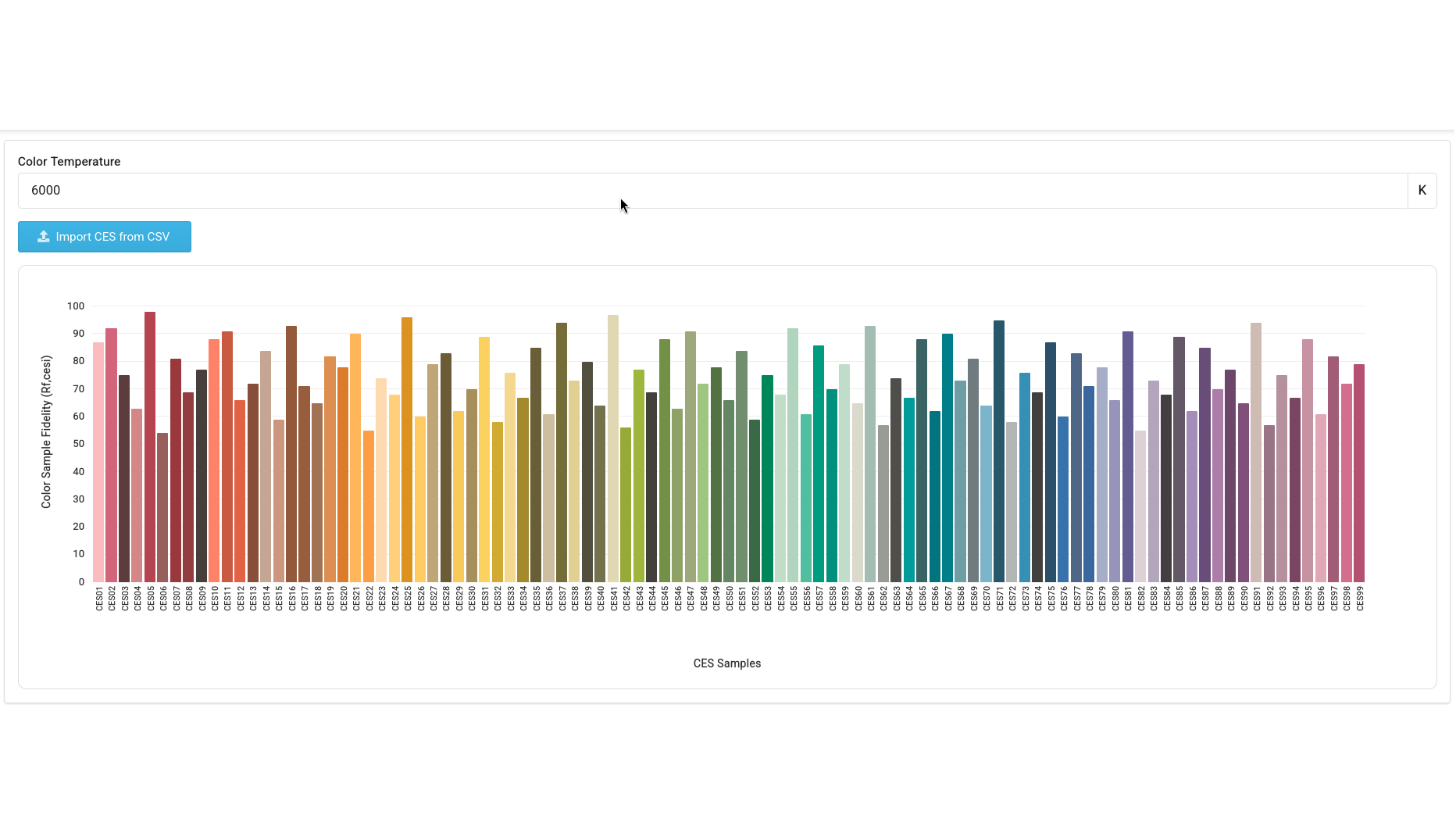
GDTF Builder, the editor for creating and editing GDTF files, has received an update with new features and fixes.
New Features
DMX channels can now be moved up or down with the Alt+Up and Alt+Down keys, in addition to being moved via drag and drop.
Improved mesh file management
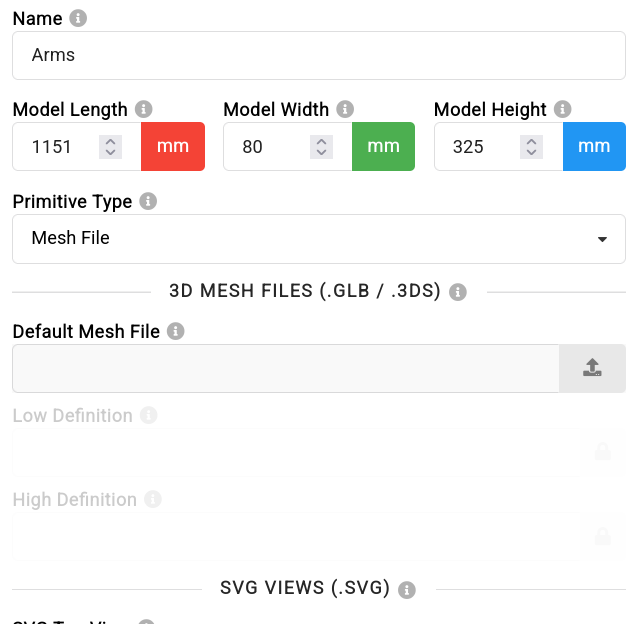
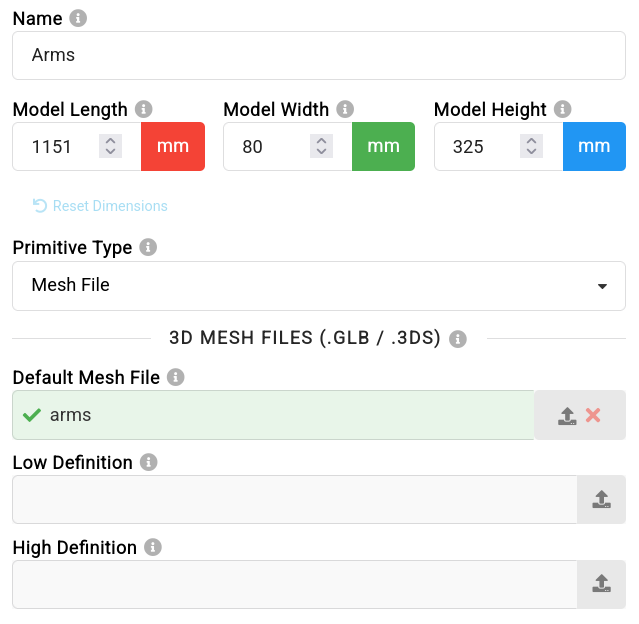
Mesh file management has been improved, particularly for uploading and renaming Default, High and Low Level of Detail (LOD) mesh files.
WheelSlotIndex validation
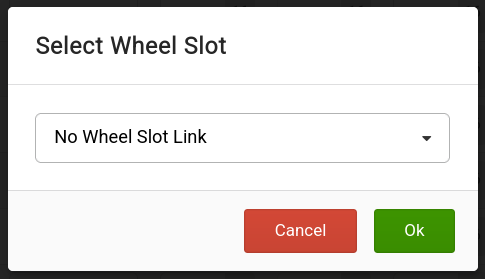
When opening a file with a ChannelSet whose WheelSlotIndex does not exist in the Wheel, the Builder now reports an error. A ChannelSet can also be explicitly set to have no WheelSlot link.
Faster custom attribute creation
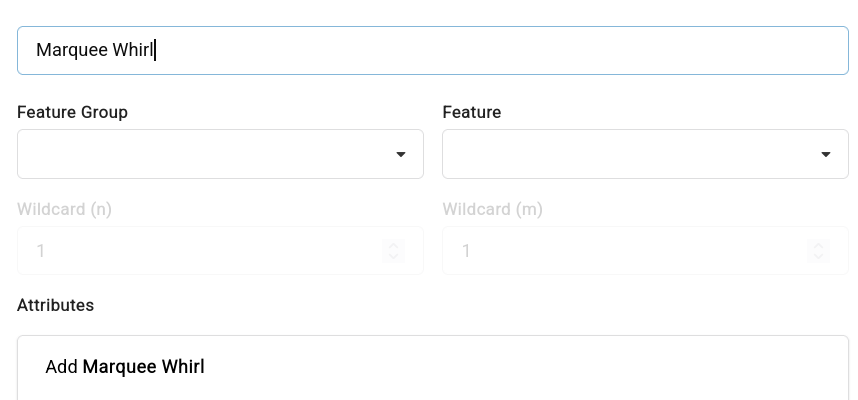
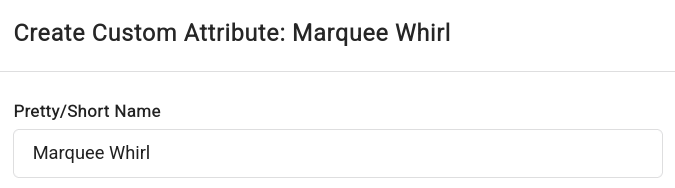
When creating a Custom Attribute, the PrettyName is now pre-filled from its name.
Automatic channel resolution addresses
When a DMX Channel is extended to a higher resolution, for example from 8-bit to 16-bit, the fine, ultra or uber address is automatically set to the base address plus one.
RDM and fixture data improvements
After the Fixture Name is changed, the RDM UID is deleted and a message is shown at the bottom of the window. This prevents RDM UID duplication when fixture files are copied.
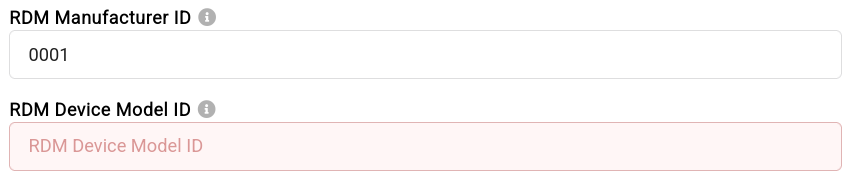
The Builder also reports additional errors when RDM information is incomplete, such as when a Manufacturer ID is present but the Device Model ID is missing, or when a DMX Mode is missing its software version.
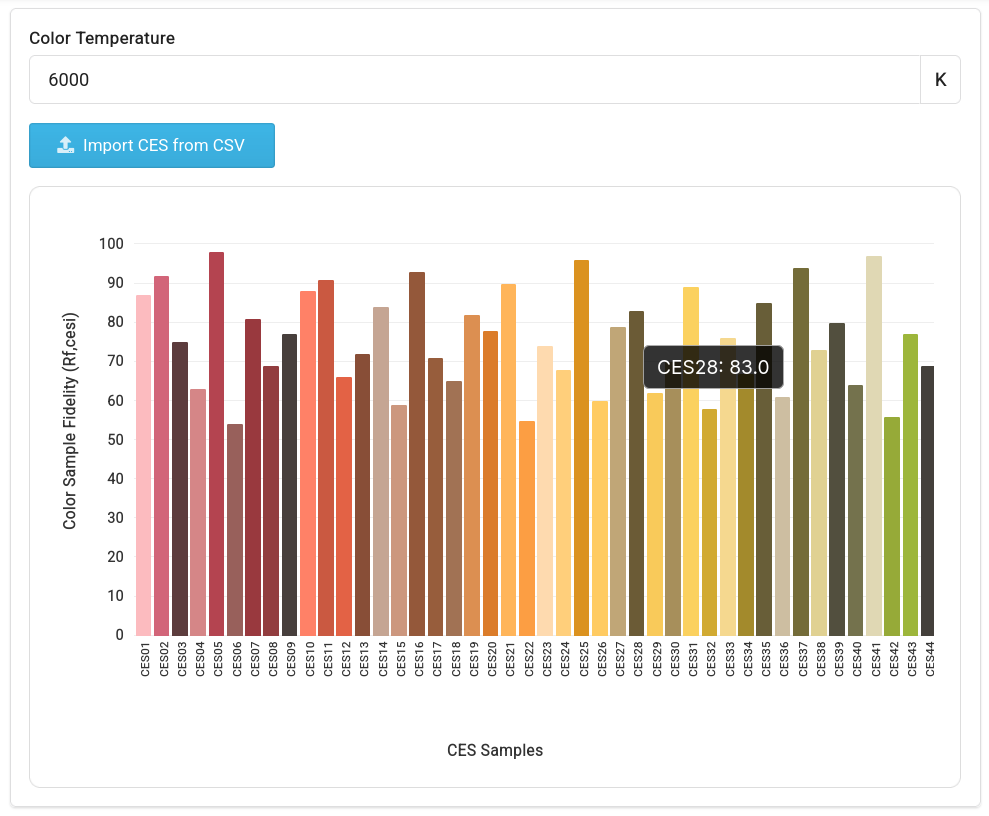
The Builder now allows CRI (TM30-18) definitions to be specified for a device.
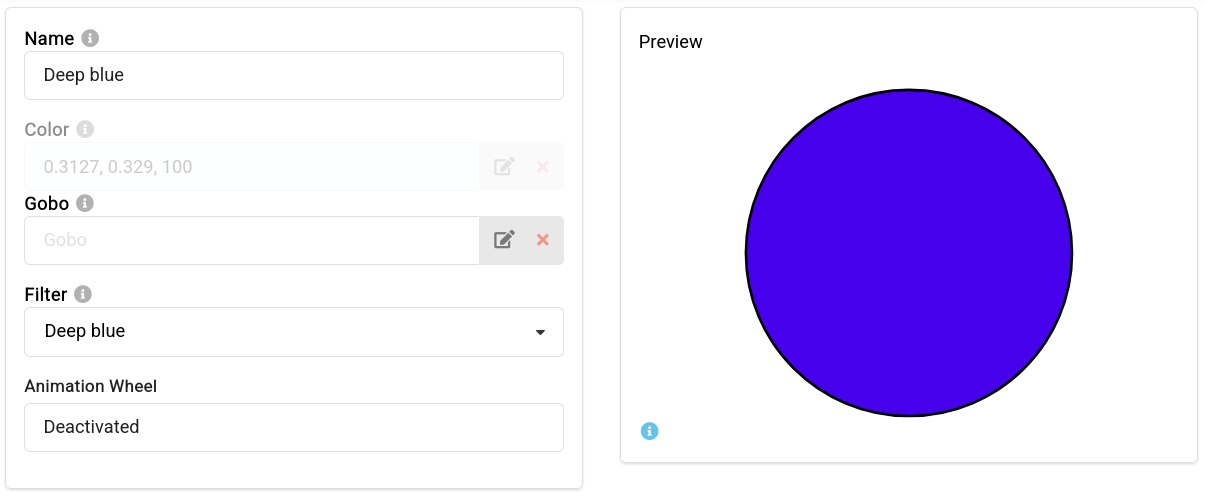
Wheel slot color previews
Wheel slot previews now show a color when the slot color is defined through a filter link.
Bug fixes
The following issues have been fixed:
- After deleting a DMX Mode, its SoftwareVersionID no longer remains in the XML.
- Copy and paste now work correctly on DMX channels with a NoFeature or Dummy attribute.
- Moving 3D geometries no longer causes a spike in browser memory usage.
- ChannelSet values saved as percentages are now rounded correctly in the XML.
- Long floating-point values are no longer trimmed when they are edited or displayed.
- The top header bar is now correctly visible on smaller screens.

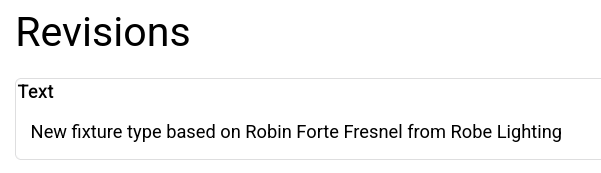
- The initial revision text is now correct when creating a GDTF file based on another file. It shows the original device name instead of the new device name.
- Duplicating a geometry with a Break now preserves the Break value.
- The color value of a Custom Attribute is now preserved.
- Opening a GDTF file with many Channels or Channel Functions is now much faster after improvements to the library and loading process.
- Several SubPhysicalUnits now have the correct default PhysicalFrom and PhysicalTo values.
- The Snap option in the Geometry preview did not work as expected and has been removed for now.